How it works
One record. Every stage. One clear view.
The same four steps, shown with examples from the kind of work you do.
Step 1
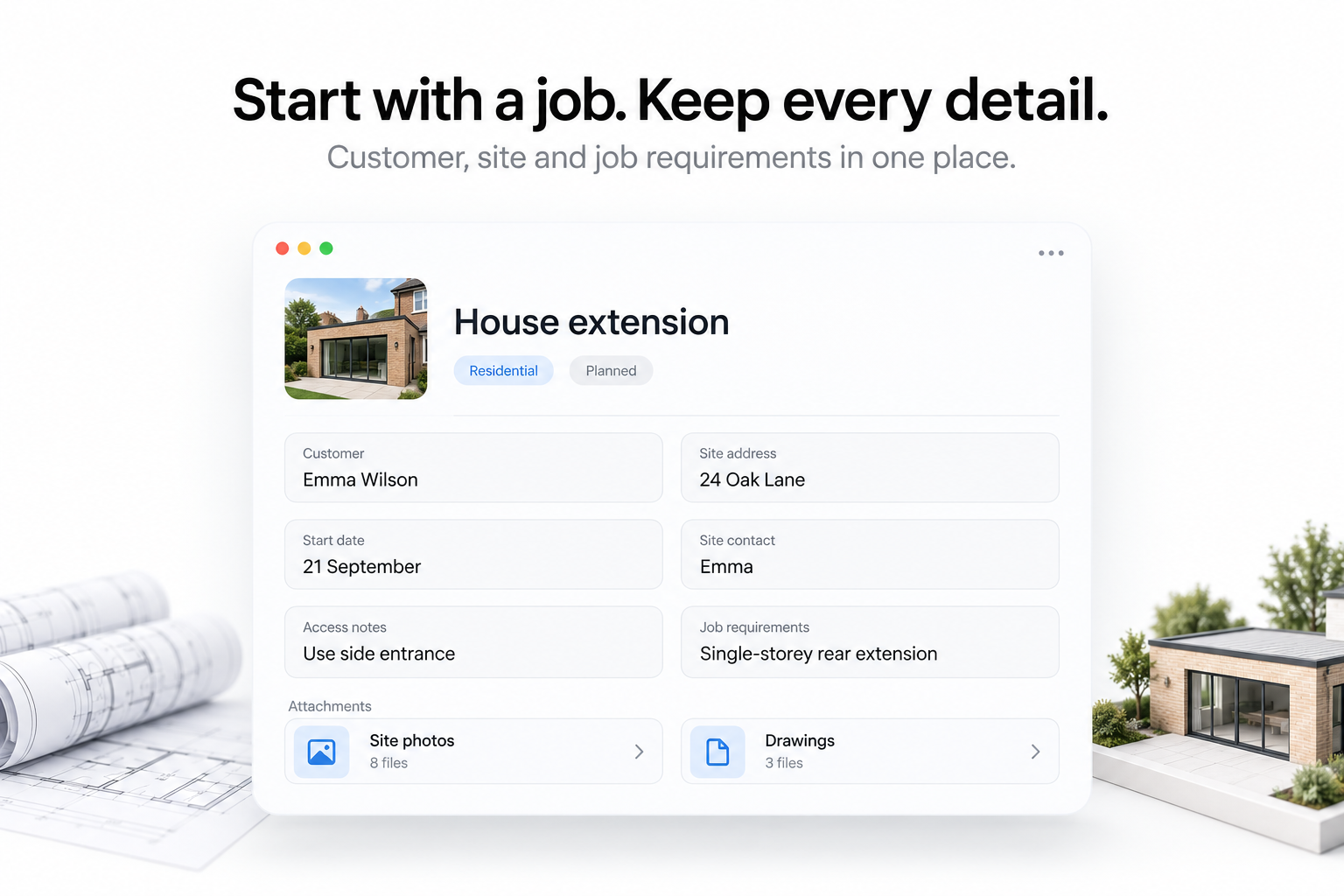
Record the customer and the job
Address, contact and job details in one place before work starts.
Step 2
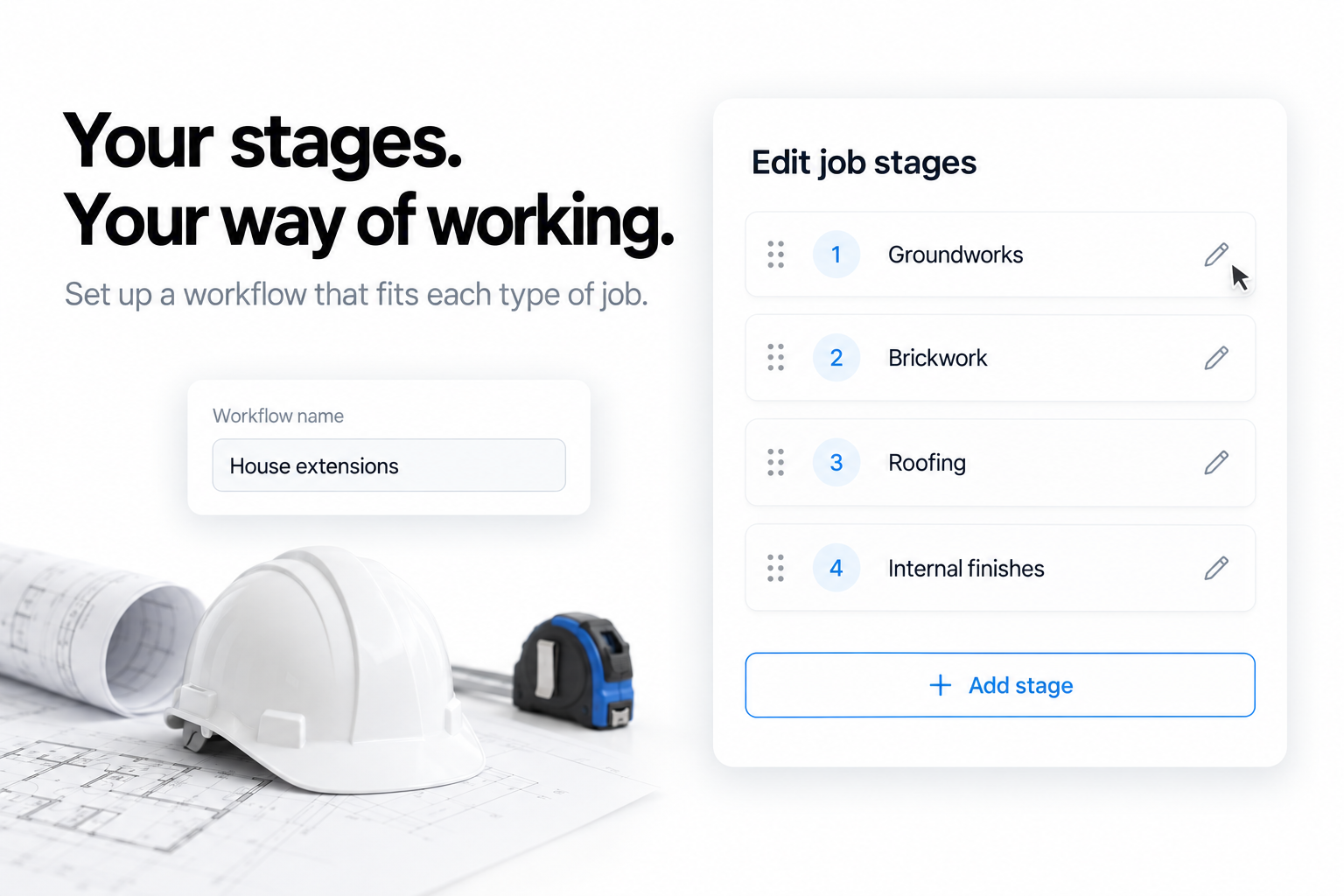
Set the details and stages
Arrange the stages a project runs through so they match the way you build.
Step 3
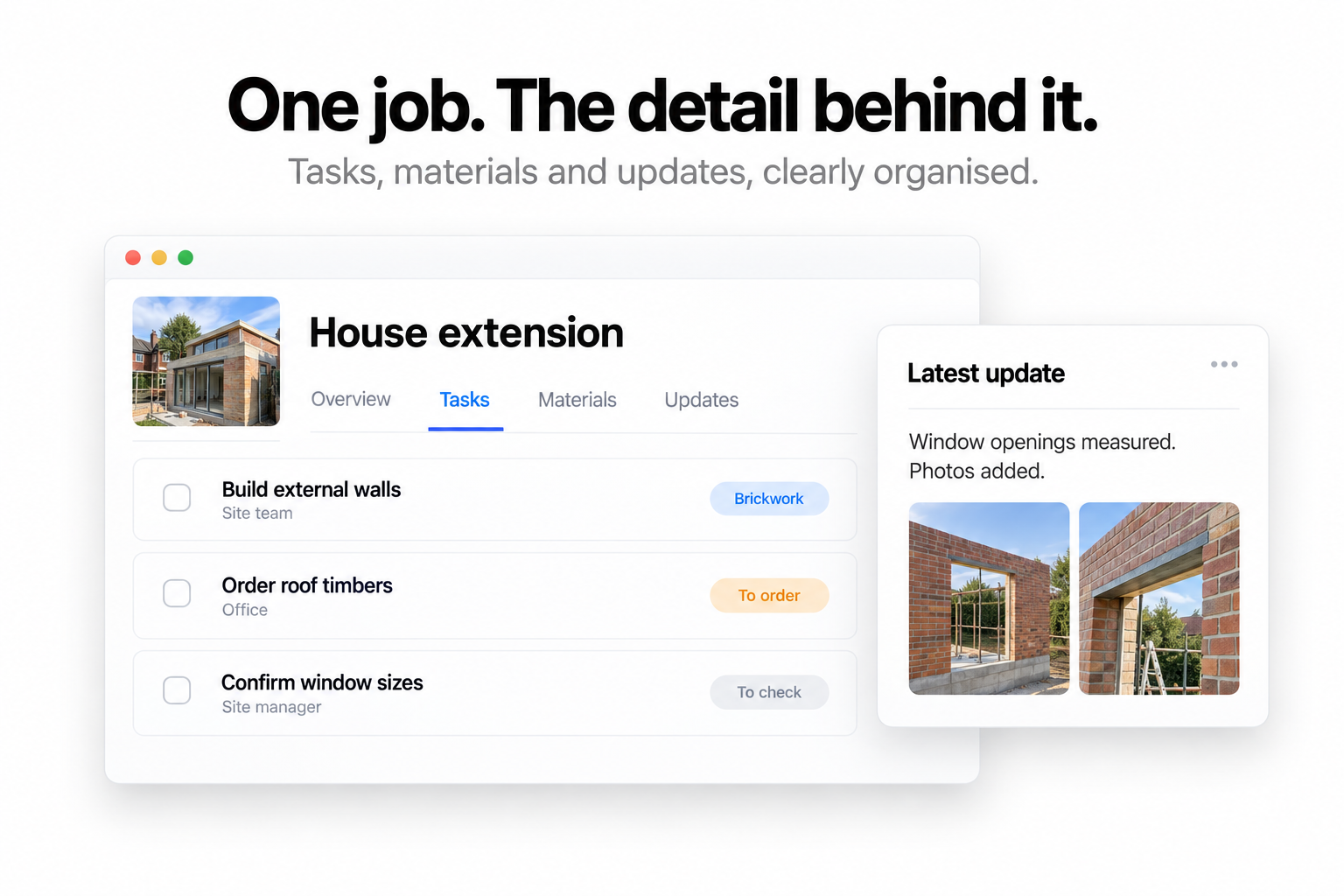
Update progress
Tasks and progress updates are recorded on the project as the site moves on.
Step 4
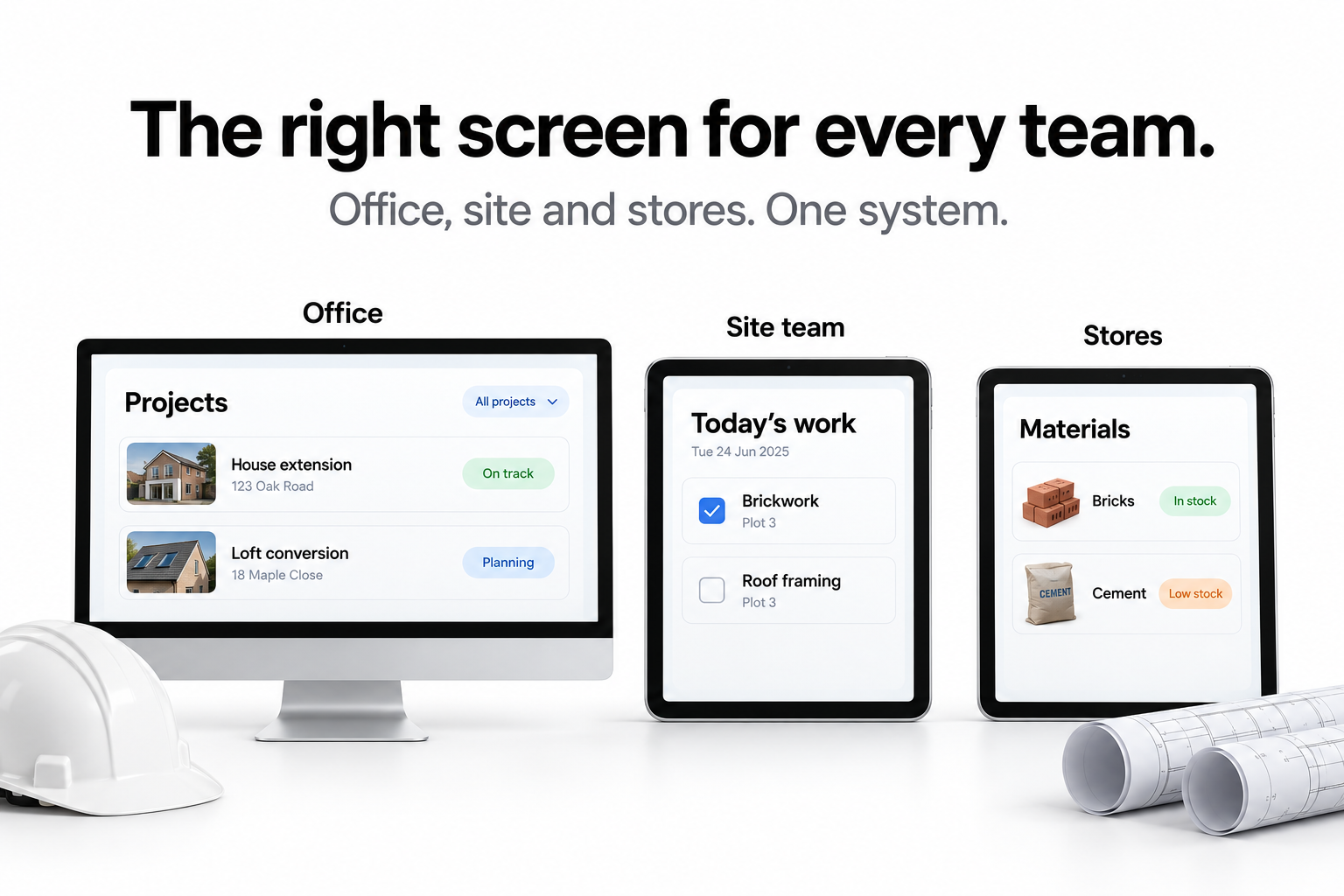
Give each team what it needs
Each site gets its own screen showing only the work happening there.
Also included
Your people and your materials, in the same place.
Time & pay
Track employee hours and calculate gross pay
Say goodbye to manual timesheets. Employees clock in and out, and Progressly records their hours and works out gross pay from each person's hourly rate.
- One tap to start and finish a shift.
- Hours worked calculated automatically, minus breaks.
- Weekly gross pay worked out from each hourly rate.
- A clear view of attendance, hours and wages.
Calculates pay. It does not file PAYE or send payments.
Inventory
Take complete control of your inventory
Know what's in stock, what's being used and what's on order, with a clear, up-to-date view of every material.
- See in stock, allocated, available and on order side by side.
- Track what upcoming jobs require.
- Stock stays connected to the work it's for.
In stock
120
Allocated
45
Available
75
On order
60
Low stock alerts
Stay ahead of low stock
Set your own reorder point for each material. Progressly warns you when stock reaches it, so you can reorder before it holds up a job.
- A minimum stock level for each item.
- Clear warnings once stock hits that level.
- Spot what needs replenishing at a glance.
Alerts tell you when to reorder — someone still places the order.
Hinges 35mm
18 in stock · reorder at 50
MDF sheets 18mm
9 in stock · reorder at 10
Wood glue 5L
14 in stock · reorder at 6
Allocation
Reserve materials for every project
Allocate stock to individual orders or projects, so you know what's already spoken for and can plan work with confidence.
- Reserve exact quantities for a job.
- Allocated stock is kept separate from available stock.
- You can't allocate more than you have available.
- See material needs across upcoming jobs.
45 allocated · 75 still available for other work