Construction
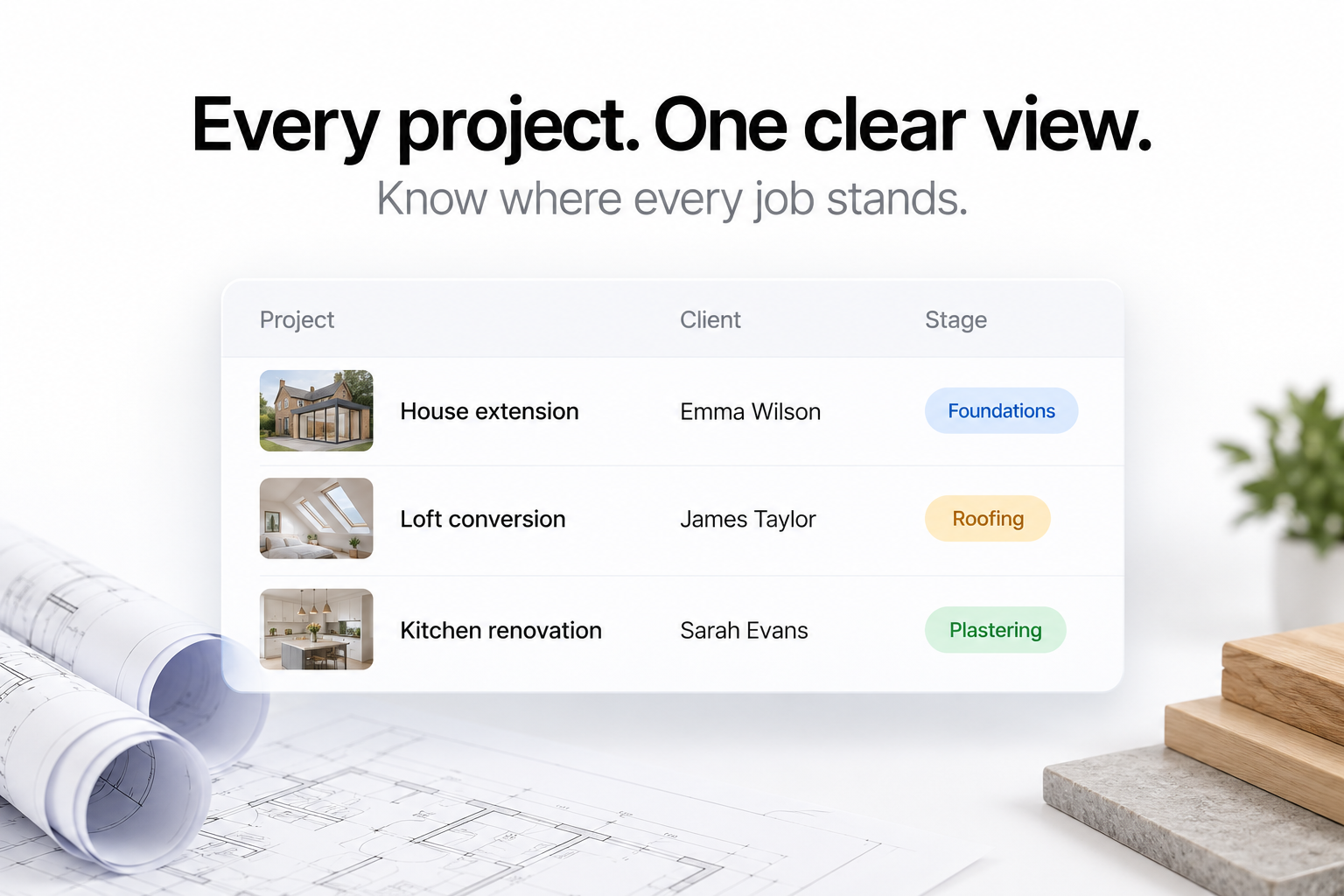
A clear view of every job.
Sites, plots and stages in one place, so the office and the site are looking at the same picture.
How a project runs
From the first job sheet to today's update.
Step 1
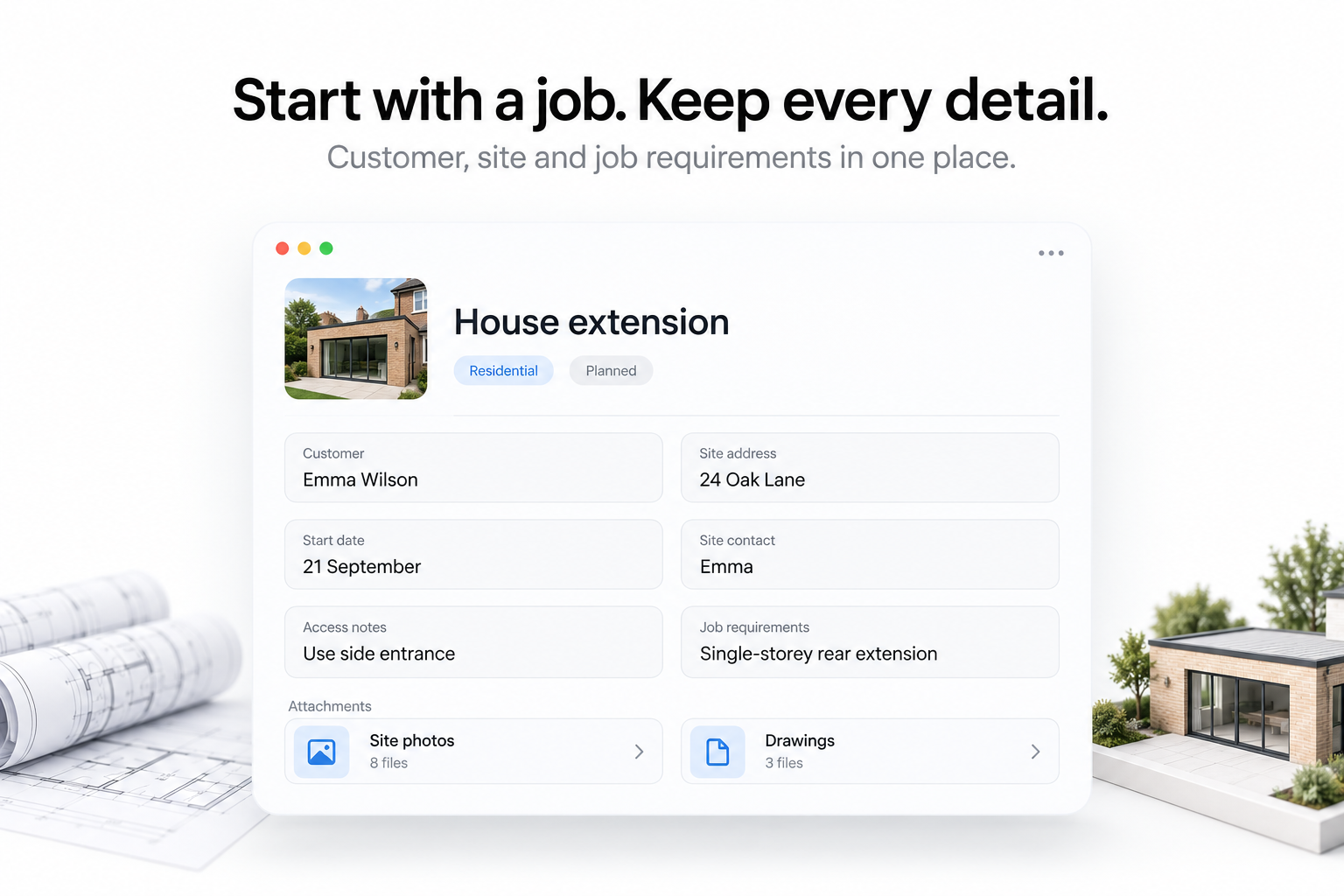
Record the customer and the job.
Address, contact and the job information your team needs before anyone sets off.
Step 2
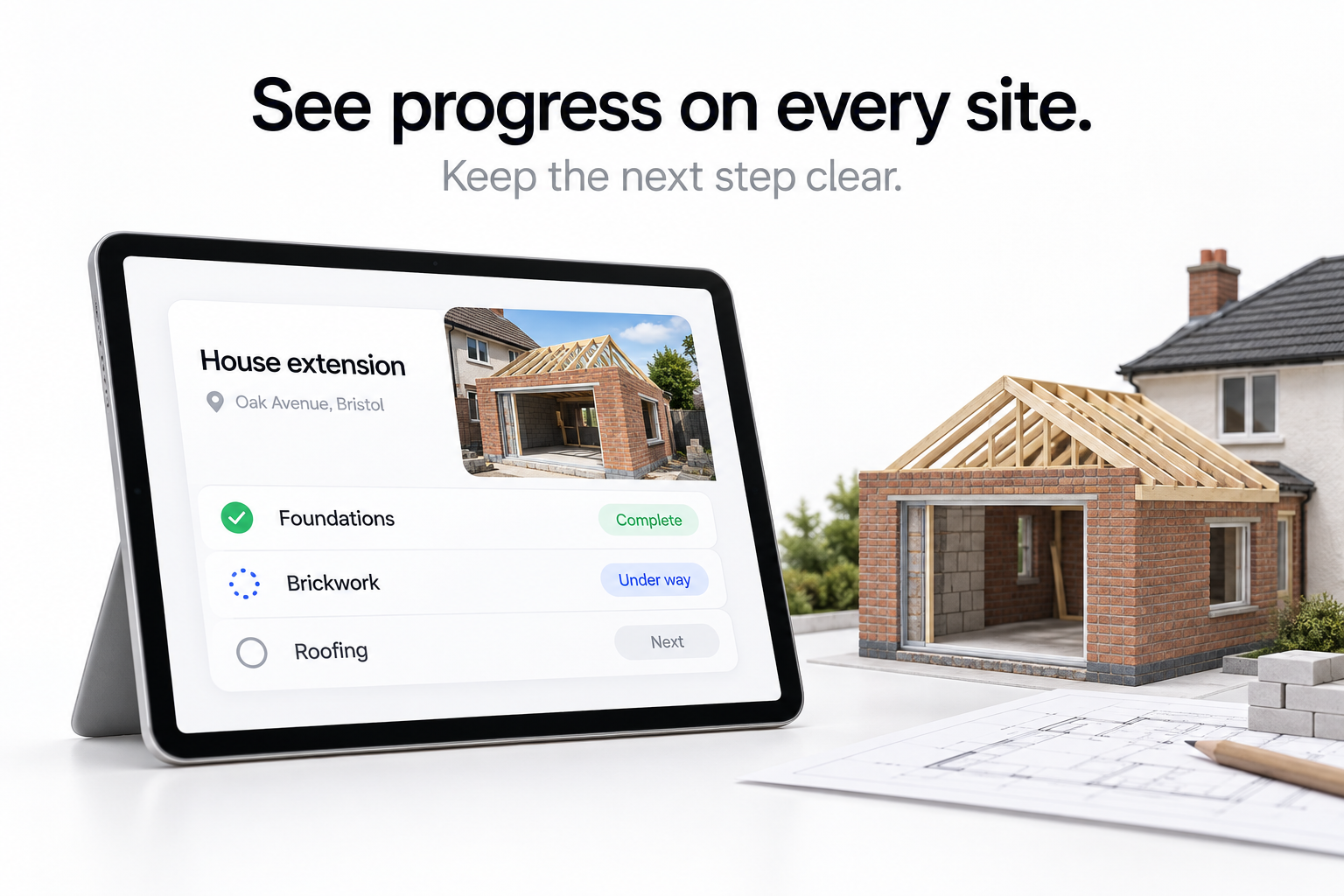
Follow the site through its stages.
Each stage is marked off as it finishes, so progress is visible without a phone call.
Step 3
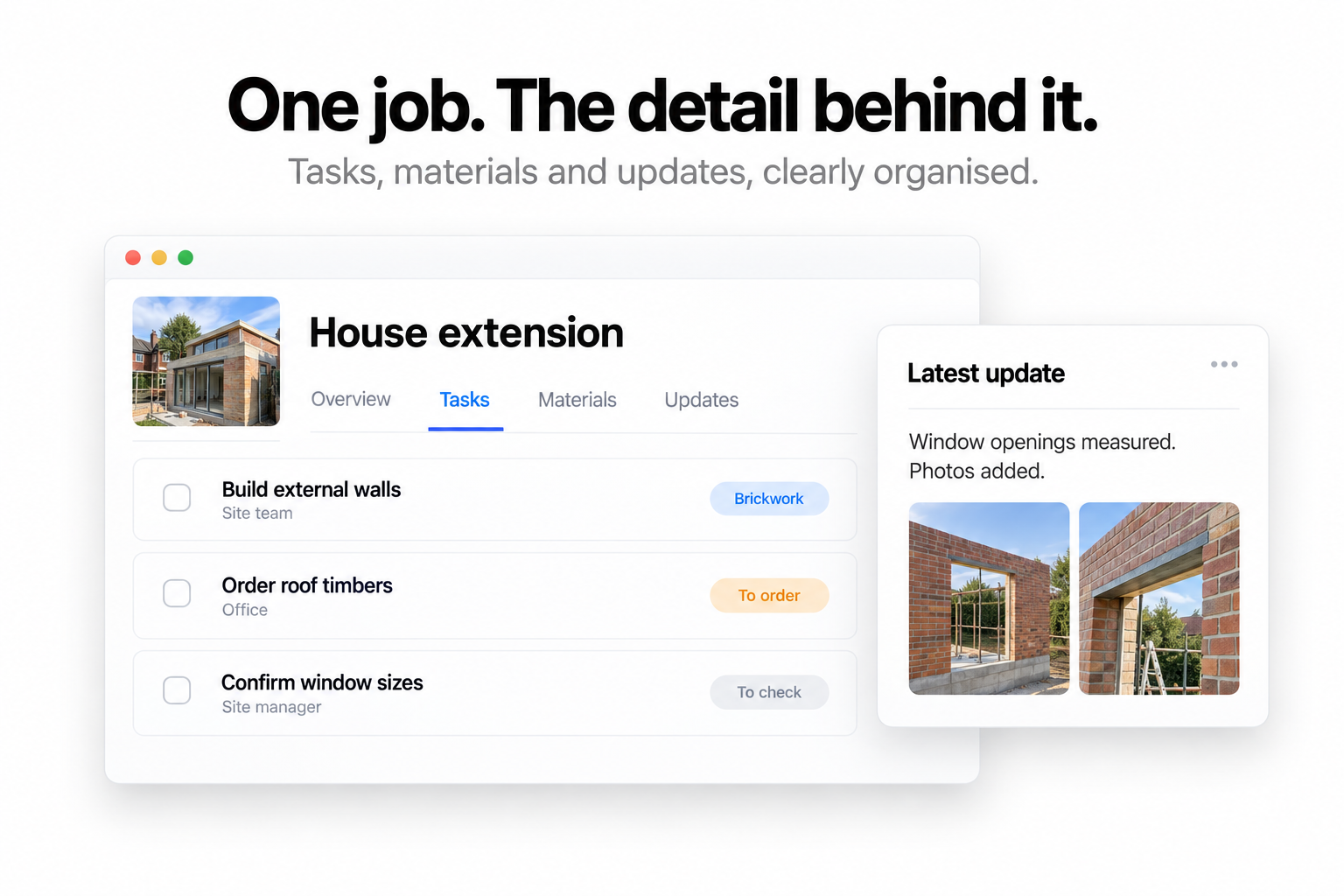
Keep tasks and updates on the job.
Notes, tasks and progress updates stay attached to the project rather than in a group chat.
Step 1
Record the customer and the job.
Address, contact and the job information your team needs before anyone sets off.
Step 2
Follow the site through its stages.
Each stage is marked off as it finishes, so progress is visible without a phone call.
Step 3
Keep tasks and updates on the job.
Notes, tasks and progress updates stay attached to the project rather than in a group chat.
Built around you
Your stages. Your fields.
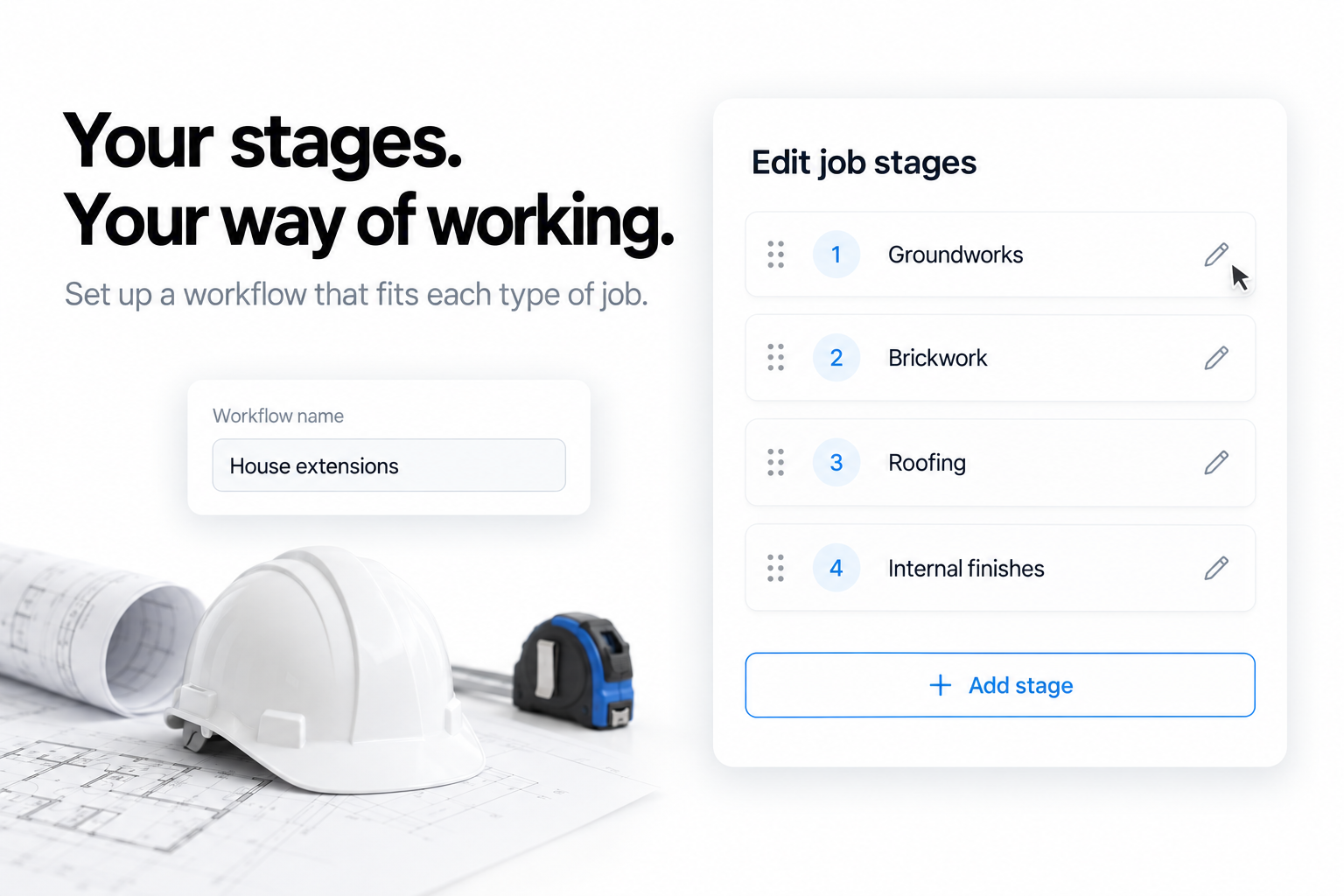
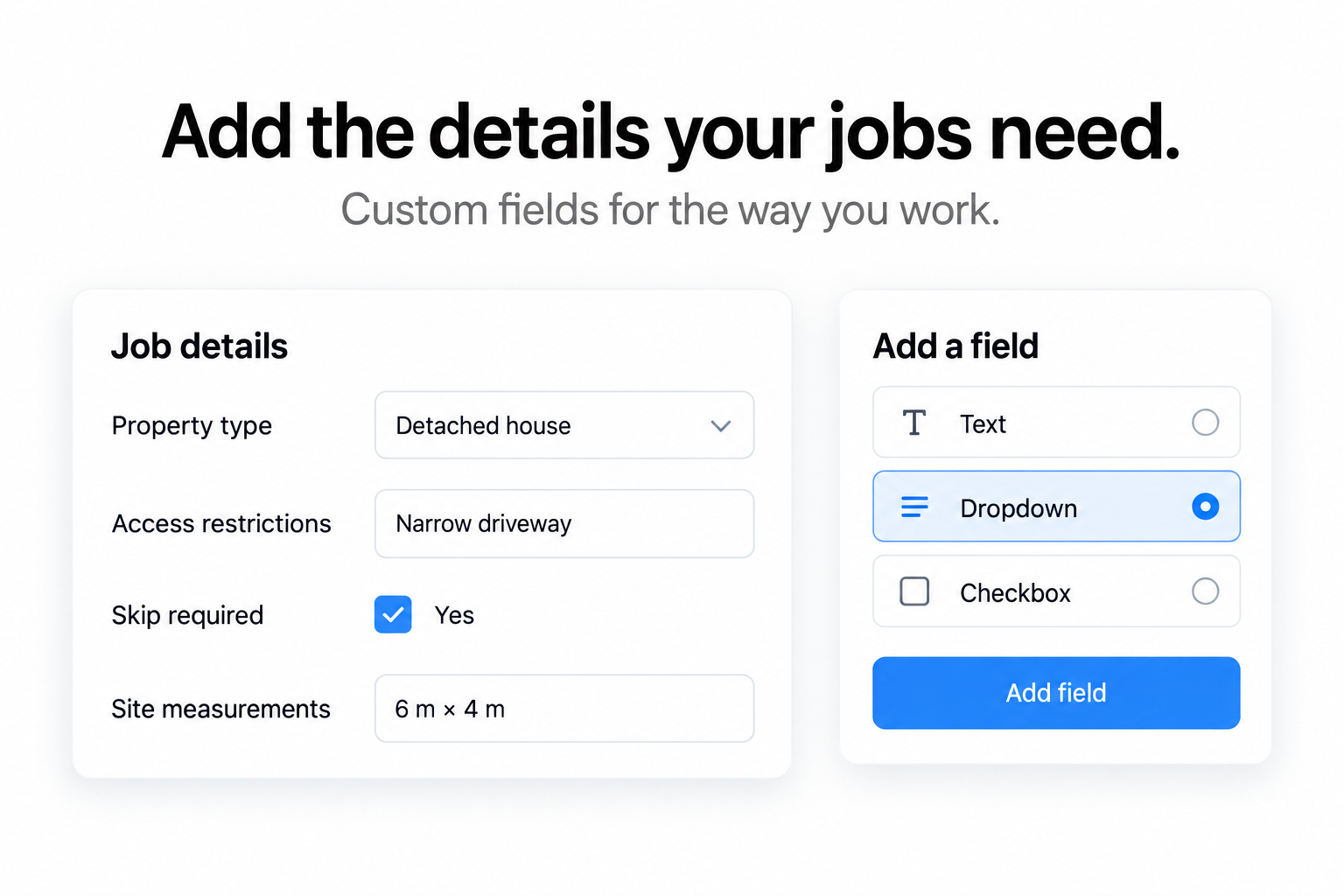
Set the stages a project moves through so they match the way you build.
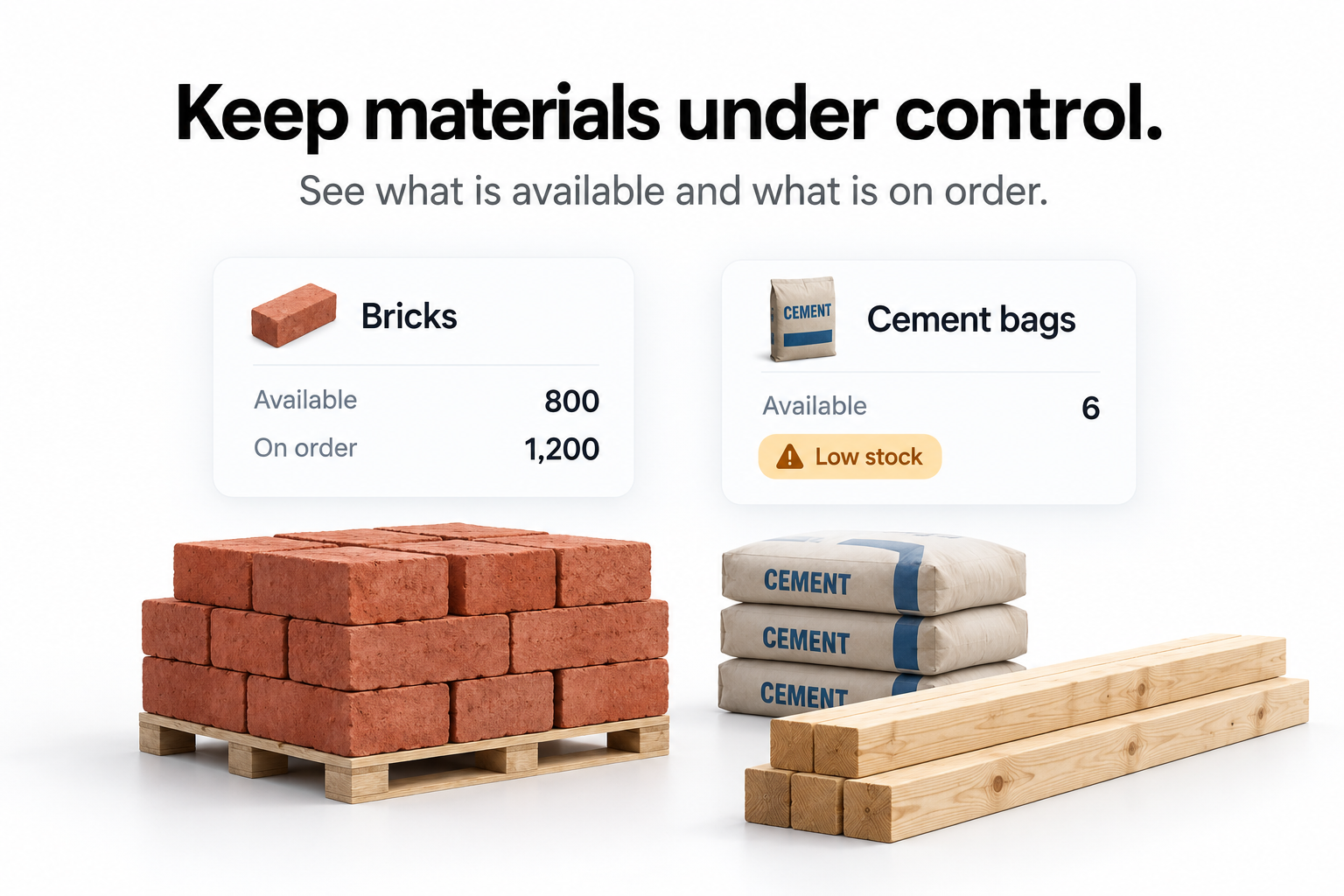
Materials on site, accounted for.
See what has arrived, what is on order and what is short before it stops work.
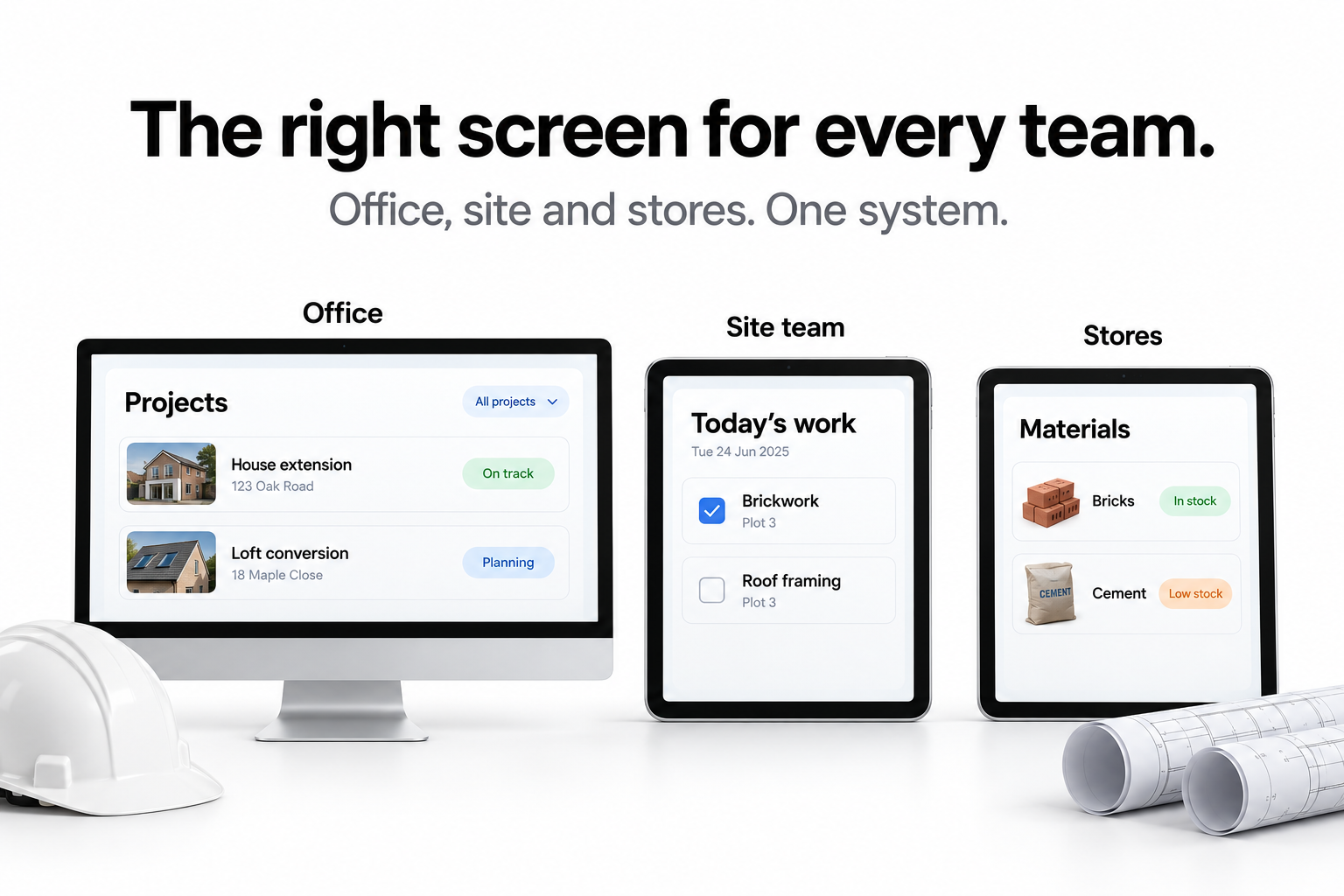
A screen for each site.
Every site gets its own view, showing only the work happening there.
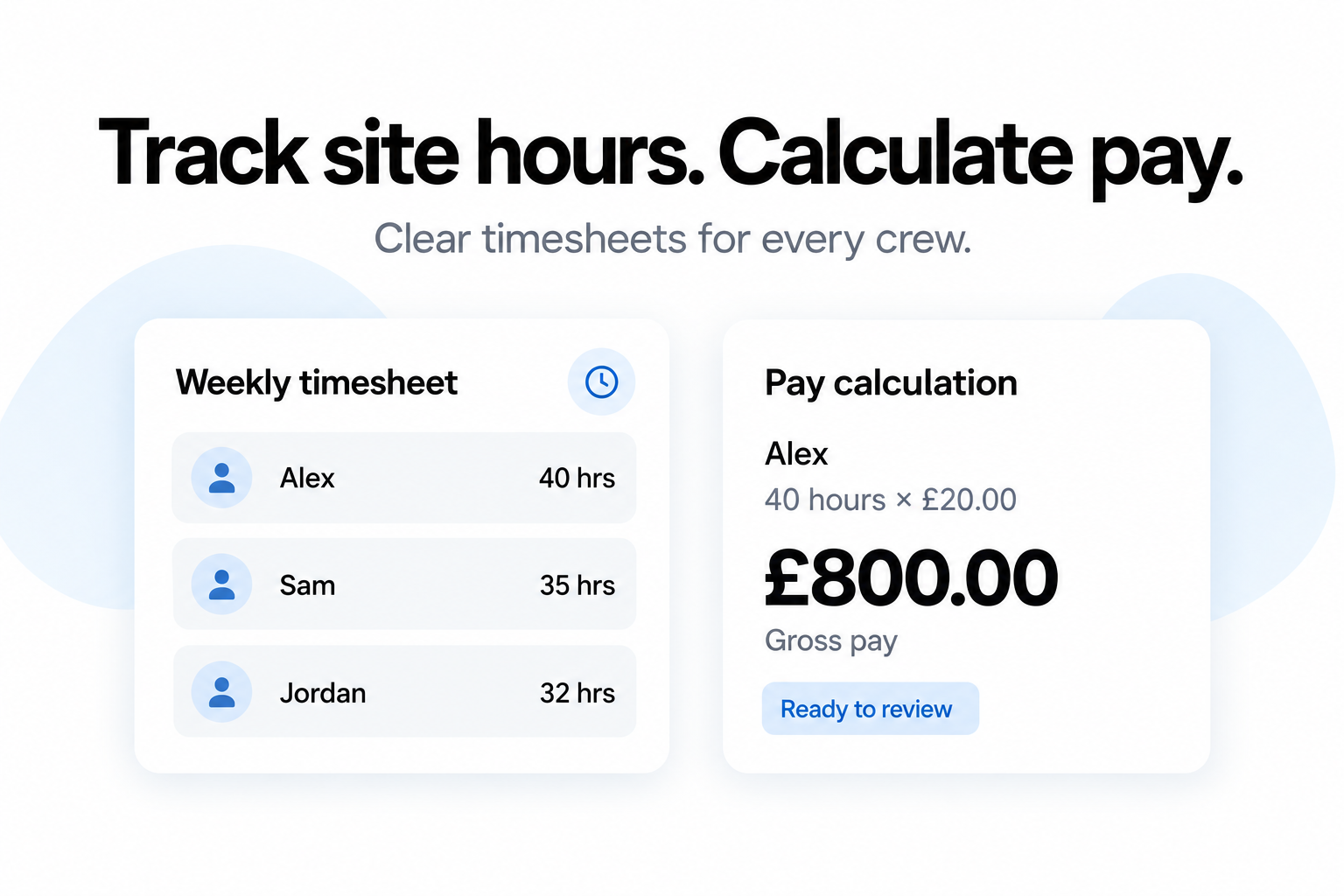
Hours in, gross pay out.
Hours recorded against the job, with gross pay calculated from the rate.